
Flight planning
Thermal resolution calculator.
Pick the smallest defect you need to see and how many thermal pixels should land across it. The calculator gives the furthest the camera can be from the surface, and the pixel size at the distance you plan to fly.
Each pixel sees 0.987 mm of surface per metre of distance.
Facade pass
Roof pass
How the distances are worked out
Each thermal pixel sees about 1 mm of surface for every metre of distance (0.99 mm per metre for the camera set above). At 10 m, one pixel covers about 1 cm. To get enough pixels across a defect, the camera has to be close enough that the defect is several pixels wide.
- –
- –
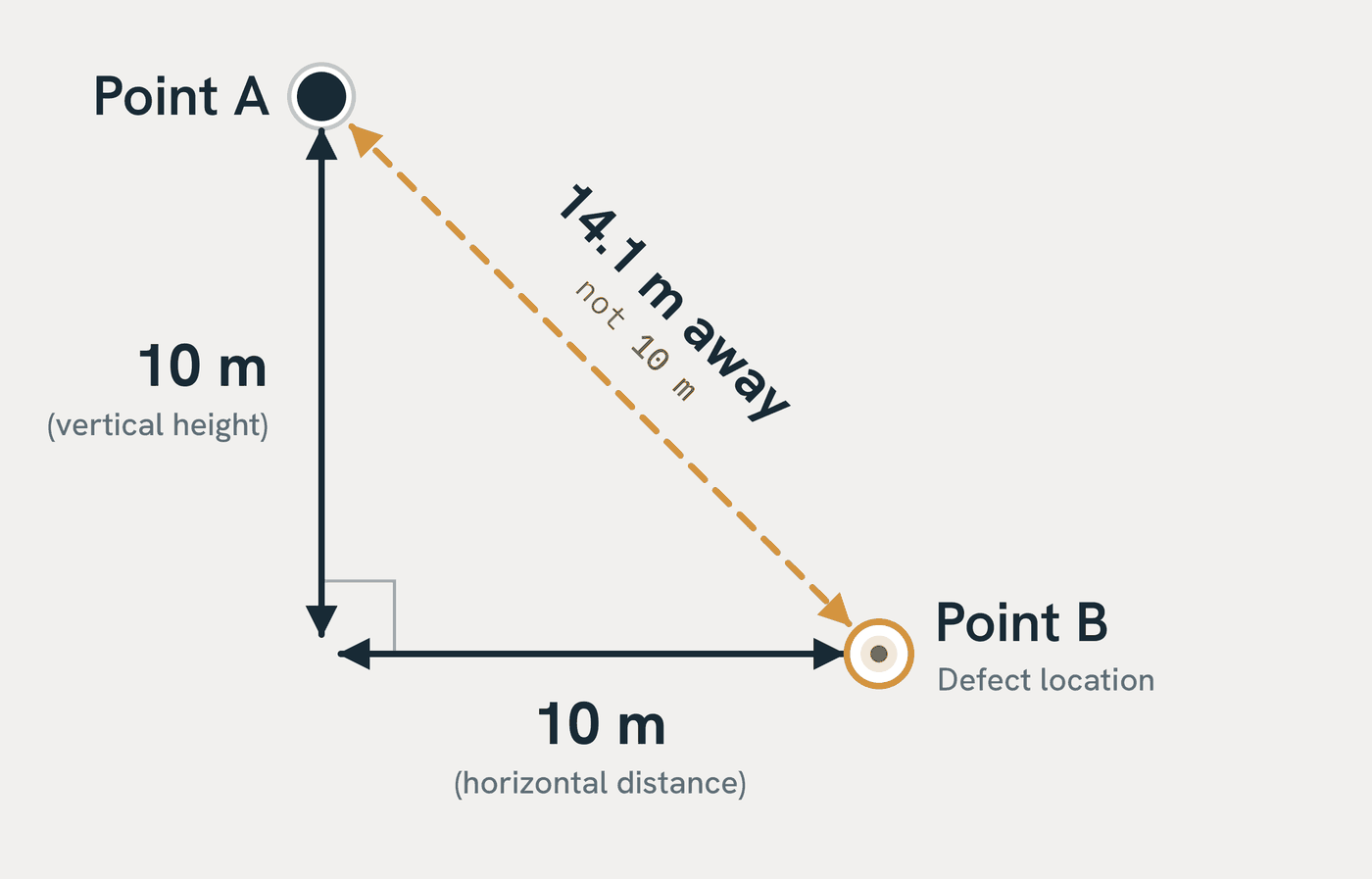
Each defect under each scenario, as straight-line distance from the camera:
| You need to | Pixels across | Facade: max distance to a 50 mm defect | Roof: max distance to a 70 mm defect |
|---|---|---|---|
| Measure its temperature | 3 | – | – |
| See its shape | 5 | – | – |
Once the camera is far enough that the defect is smaller than one pixel, its heat gets averaged in with the surface around it and it won't reliably show up at all. That's why there's no 1-pixel option.
Based on the camera set above (640 × 512, 35.05° horizontal field of view), where each pixel sees 0.987 mm per metre, looking straight at the surface. Oblique angles, wind and image blur make the usable distance shorter. A planning guide only.
Try it free
Try it on a project first.
Send up to 500 radiometric thermal photos from one project, or book a flight. We check whether the capture is suitable. If it is, you receive the full 3D thermal record in your coordinate system, free.